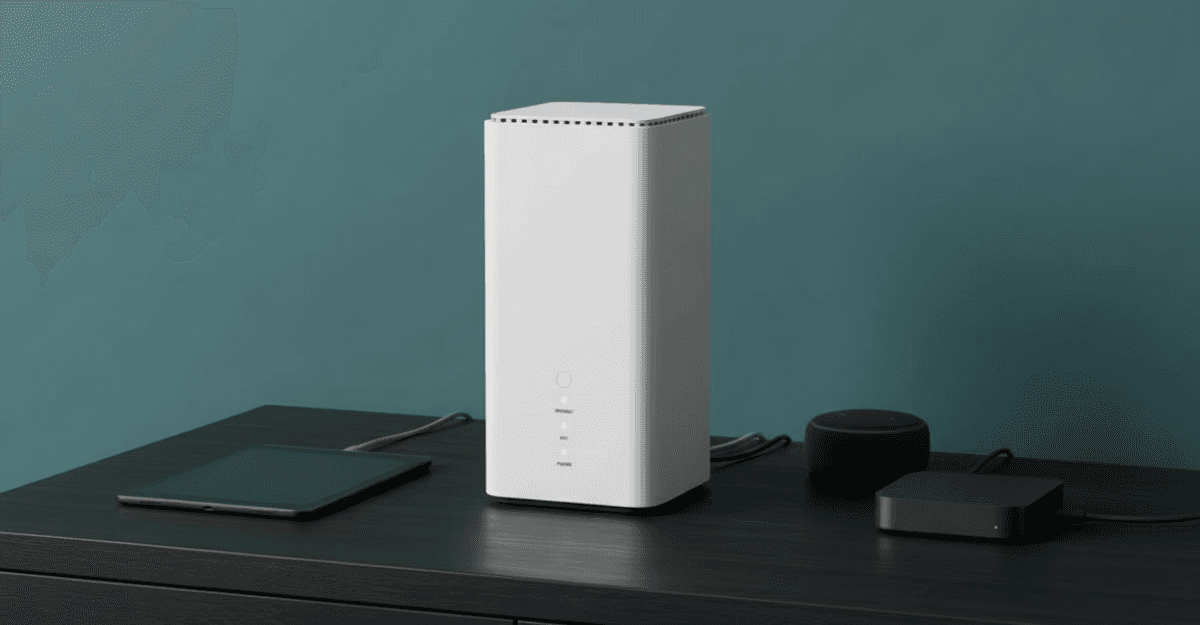
It takes just a few minutes to set up your 5G router and get online with stable, superfast internet. If you’re tired of lengthy installation times and you’re looking for broadband that can get you connected immediately, mobile broadband is a perfect solution.
Why is setting up mobile broadband so much simpler?
Mobile broadband is often called ‘plug-and-play’ internet because it’s so easy to set up. %G routers are so simple to get connected, compared to mobile broadband, because:
There’s no external installation or activation needed, so you don’t need to schedule an appointment with an engineer
Mobile signals cover a large area rather than one specific address, so checking for availability is much simpler
Mobile routers only need to plug into a power socket, not a phone line or broadband socket, so they can be placed wherever you want to connect
How to set up your 5G router
Setting up your router is quick and simple - just follow these steps!
Unbox your router
Our 5G routers come with free next-day delivery, so you can be online within hours of ordering. Once it arrives, open the box to find your router, SIM card and power supply.
Install the SIM card
Pop the SIM card out of its plastic card and insert it into the labelled SIM slot on your router. Our 4G routers take a full size SIM (don’t remove the casing around the card itself) while the 5G routers take a nano SIM (remove the extra plastic until the SIM is as small as possible).
Connect to power
Connect the included power cable to the port on the back of the router and plug it into a socket. There’s no need to connect the router to a phone socket or broadband panel, so choose a socket in the room where you will be using the internet most often - though you can always move your router later.
Wait for the router to connect to the mobile network
Your router will now automatically connect to the local mobile network. This can take a few minutes as the device establishes a steady connection. Wait until the network indicator light is showing a steady green or blue light, and you’re ready to connect.
Get online!
Once the router is connected to the mobile network, you can use your new WiFi network just like traditional wired broadband. Connect your devices to the network using the network name and password printed on the router label, and enjoy fast, unlimited browsing that you can take wherever it’s needed.
Getting the best speeds from your mobile broadband router
While you set up your router, keep these things in mind to get the best possible performance from your network.
Your router needs to pick up a signal from outside, so position near a window and away from thick internal walls
Large electrical devices like your fridge can interfere with the signal
The WiFi network will reach further if you place the router high up in a room, such as on top of a bookshelf
Just like a traditional broadband router, you can connect a device directly to your mobile broadband router with an ethernet cable for high-speed data transfer
All our mobile broadband routers are multi-network. If you find the local network isn’t as good as it once was, let us know and we’ll send you a new unlimited SIM to connect to another network with better local availability.