
Quick reset
Most connection problems can be solved with a simple reset—so don’t worry if your router isn’t working as expected. Restarting or resetting your device often clears up temporary glitches and gets you back online quickly. If the issue continues after trying these steps, our team at Connectivity is always here to help.
Step 1
Reset your router
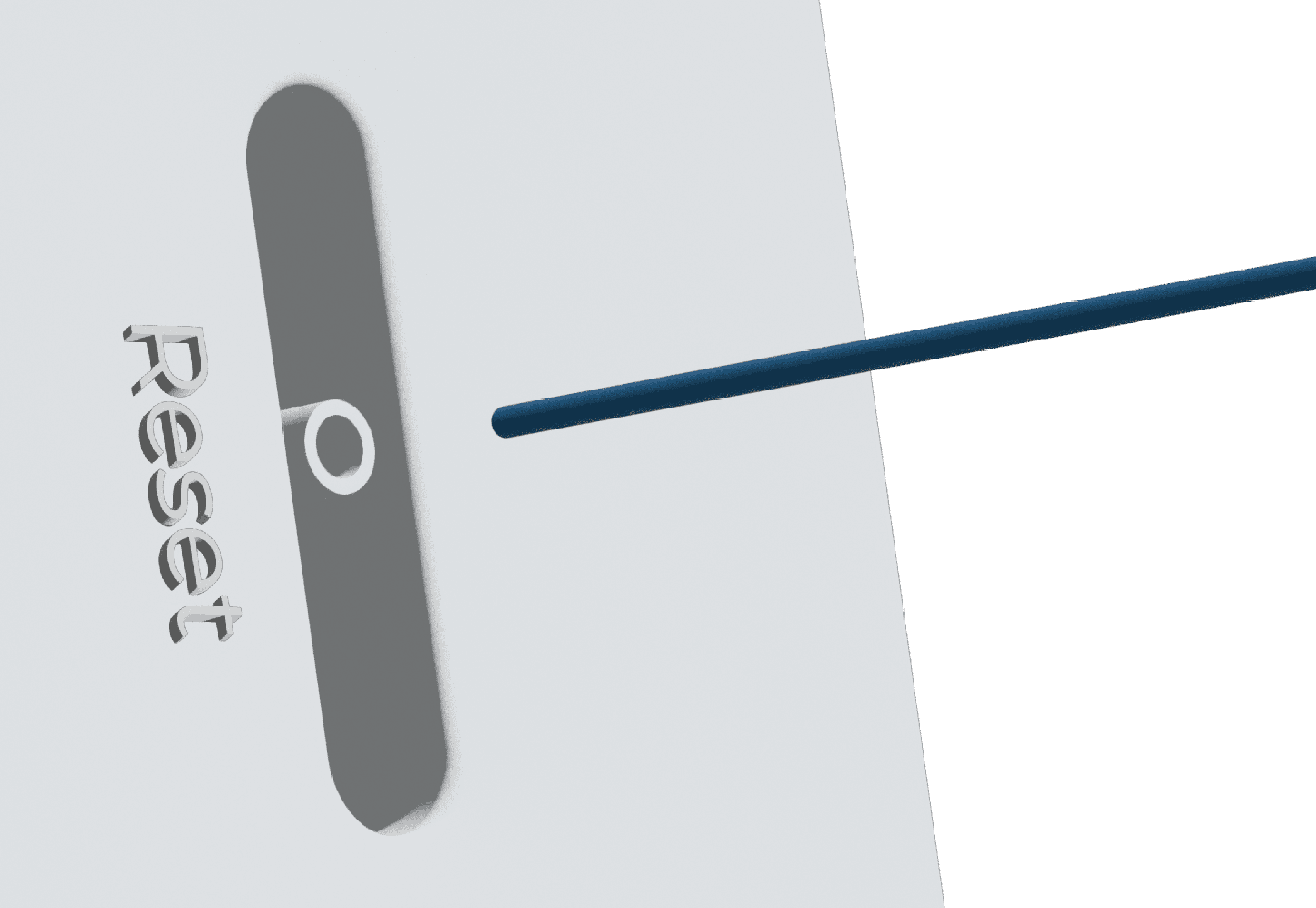
Reset your router by pressing the small reset button at the back with a paperclip or pin for 7 seconds, or until the lights on the front of the device flash.

Step 2
Check your router equipment
Set the router up with only the power cable connected, running into the power socket at the wall. In the initial set up the power cable should be the only thing plugged into the router. Any ethernet network cables can be added once you’ve established a strong connection.

Step 3
Check that you have inserted the SIM
On your activation day, you’ll receive your new router and an activated SIM card in two deliveries. Before setting up your router, remove the SIM from its packaging and insert it into the SIM clot on the back of the router. If you haven’t received it, contact us at support@myconnectivity.co.uk.

Step 4
Check your router placement
The placement of your router can affect the quality of the internet you receive. Keep your router elevated, with a line of sight to outdoors and away from obstacles such as large electronic devices or internal walls that could interfere with the signal.
Step 4
Check your speed
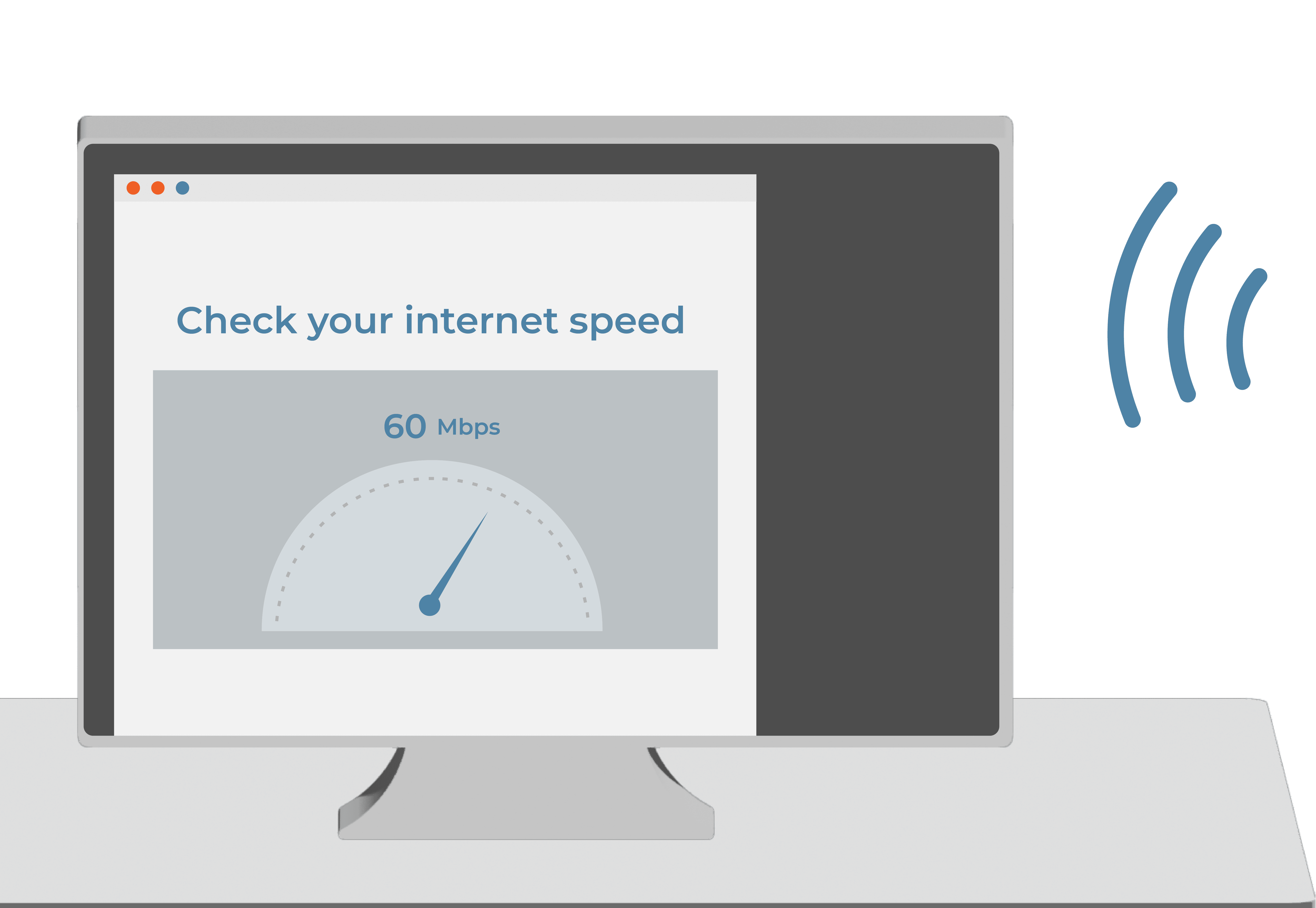
If your speeds are still slow, please complete an internet speed test with one device connected to your router and let us know the results, as this will help us identify the problem with your connection. You can find more solutions to common problems below, or get in touch with us at support@myconnectivity.co.uk.
I'm having trouble setting up
The power light is not on
My setup is correct, but there is no internet
The password is incorrect
The router is struggling to find a connection
The network status indicator is red
I’m experiencing sudden network issues
My router has lost connection to the network
Some of my VPN connected devices have slow internet
The internet speed has become slow
Some of my devices have slow internet
My phone/ laptop is connected to the router, but there is no internet.
The network status indicator is red
My device is not working properly
The power light is not on
My router did not come with a SIM
The network status indicator is red
We're here to help
Email us
You can reach our team at support@myconnectivity.co.uk
Call us
Prefer to speak to someone? Call us at 020 3923 9392